
15 Best Free AI Tools You Should Try in 2026
Best free AI tools are becoming useful for almost everyone today — students, creators, bloggers, small business owners, working professionals, and even parents who want to save time in daily life. From writing emails and creating designs to editing videos, researching topics, generating images, and organizing work, AI tools can help you do more in less time.
The best part is that you don’t always need to pay. Many popular AI tools offer free plans or free usage limits that are enough for beginners and everyday users. For example, ChatGPT’s free tier includes access to several capabilities like web search, file uploads, data analysis, image uploads, and GPTs, while Canva AI also offers AI-powered tools on its free plan with higher limits available on paid plans.
In this guide, we’ll explore the best free AI tools you should try in 2026, what they are best for, and how you can use them in your daily work.
If you are new to AI, you may also like our guide on Everyday Things AI Can Do to Improve Your Life for simple ways to use AI in daily tasks.
Why Free AI Tools Are Worth Trying
AI tools are no longer only for tech experts. Today, anyone can use them to:
- Write better content
- Create social media posts
- Design graphics
- Generate images
- Summarize long articles
- Research topics faster
- Make presentations
- Edit videos
- Organize notes
- Improve grammar and communication
If used smartly, these tools can save time, improve productivity, and help you create better content without spending money in the beginning.
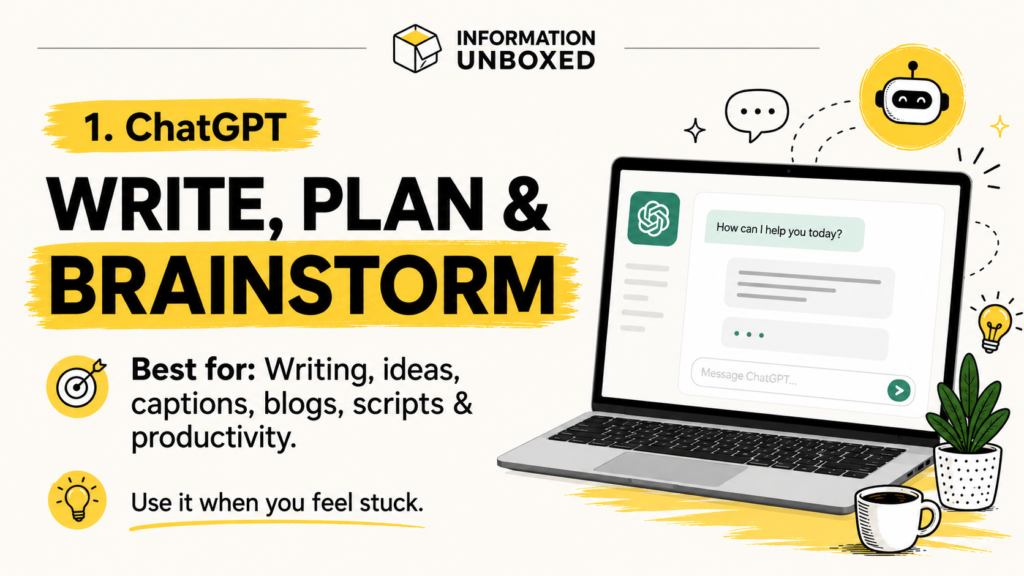
1. ChatGPT — Best Free AI Tool for Writing, Ideas, and Productivity
ChatGPT is one of the most popular AI tools for everyday use. You can use it for writing, brainstorming, learning, summarizing, planning, coding help, content ideas, and much more.
Best for:
- Blog writing
- Instagram captions
- YouTube scripts
- Email writing
- Learning new topics
- Content planning
- Research assistance
How you can use it:
You can ask ChatGPT to write a blog outline, simplify a difficult topic, create social media content, generate ideas, or help with productivity planning.
Why it is useful:
ChatGPT is versatile and beginner-friendly. It can help students, creators, freelancers, business owners, and professionals save a lot of time.
You can learn more about the free version from the official ChatGPT Free Tier FAQ
OpenAI’s free tier currently includes access to several helpful capabilities, including web search, file/image uploads, data analysis, and GPTs, though usage limits can apply.
2. Google Gemini — Best Free AI Tool for Google Users
Google Gemini is another powerful AI assistant that can help with writing, research, learning, brainstorming, and everyday questions.
Best for:
- Quick answers
- Research support
- Writing help
- Summarizing information
- Google ecosystem users
How you can use it:
You can use Gemini to understand complex topics, summarize content, create drafts, plan tasks, or get help with creative ideas.
Why it is useful:
If you already use Google products, Gemini can feel familiar and easy to use. It is especially useful for people who want an AI assistant for daily productivity and learning.
3. Microsoft Copilot — Best Free AI Tool for Work and Research
Microsoft Copilot is a helpful AI assistant for answering questions, writing content, creating images, and improving productivity. Microsoft describes Copilot as an AI companion that can provide answers, assist with writing, and create images.
Best for:
- Work productivity
- Writing help
- Research
- Image creation
- Microsoft users
How you can use it:
You can ask Copilot to draft emails, summarize information, explain concepts, generate ideas, or create images.
Why it is useful:
Copilot is good for users who already use Microsoft products or want a simple AI assistant for work-related tasks.
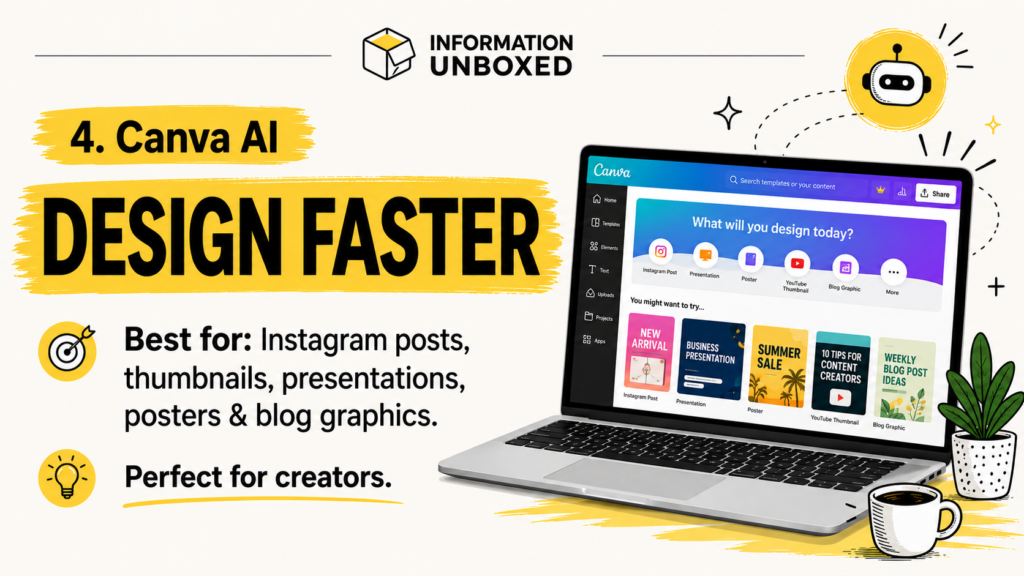
4. Canva AI — Best Free AI Tool for Designs and Social Media
Canva AI is extremely useful for creators, bloggers, small businesses, and Instagram pages. Canva offers AI-powered tools on its free plan, with higher usage and more advanced options available on paid plans.
Best for:
- Instagram posts
- Blog thumbnails
- Presentations
- Posters
- Social media graphics
- Reels covers
- Pinterest pins
How you can use it:
You can use Canva AI to create designs, generate templates, write text, remove backgrounds, and create social media content faster.
Why it is useful:
For content creators, Canva AI is one of the most practical free AI tools because it helps you design professional-looking content without advanced design skills.
5. Adobe Express — Best Free AI Tool for Quick Creative Content
Adobe Express is a free design, photo, and video editing tool that also includes limited generative AI credits and assets on its free plan.
Best for:
- Posters
- Reels
- Flyers
- Social media designs
- AI-generated artwork
- Quick edits
How you can use it:
You can create social posts, short videos, graphics, and AI-generated visuals for blogs or social media.
Why it is useful:
Adobe Express is great for people who want quick, polished designs without using heavy professional software.
6. Adobe Firefly — Best Free AI Tool for Image Generation
Adobe Firefly is an AI image generation tool that can turn text prompts into images. Adobe says Firefly’s online AI image generator can be used for free with an Adobe account, with free users receiving a set number of monthly generative credits.
Best for:
- Blog images
- Creative visuals
- Concept art
- Social media graphics
- Design inspiration
How you can use it:
You can type a prompt like “a futuristic smartphone with glowing AI icons” and generate visuals for your content.
Why it is useful:
For bloggers and creators, Firefly can help create unique images instead of relying only on stock photos.
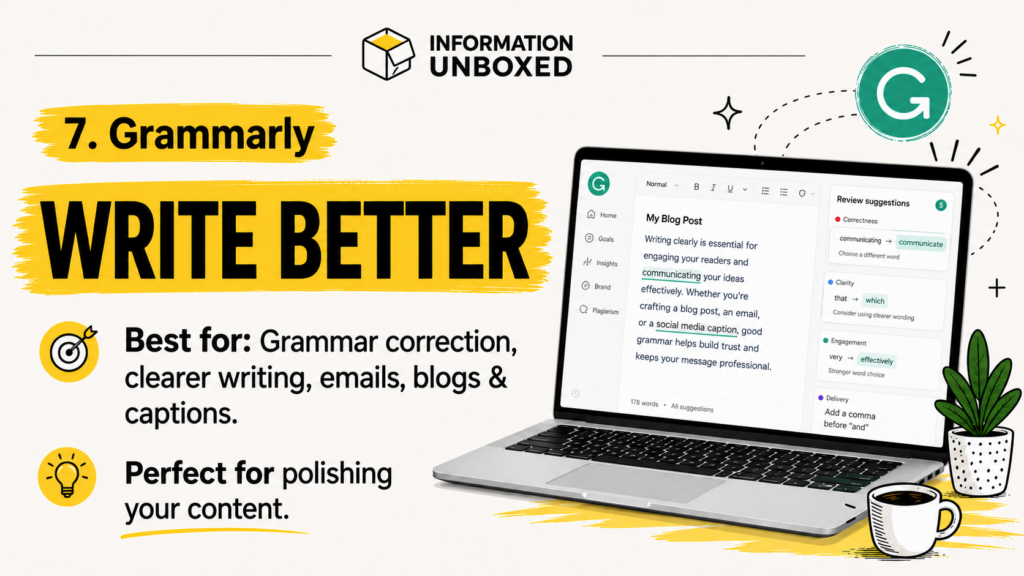
7. Grammarly — Best Free AI Tool for Writing Better
Grammarly is useful for correcting grammar, improving clarity, and making your writing sound more professional. Grammarly’s free plan includes mistake-free writing support, tone detection, and a limited number of AI prompts.
Best for:
- Blog editing
- Email writing
- Social media captions
- Professional communication
- Grammar correction
How you can use it:
Install Grammarly and use it while writing emails, blogs, documents, or social media posts.
Why it is useful:
Even if you use ChatGPT to write drafts, Grammarly can help polish the final version.
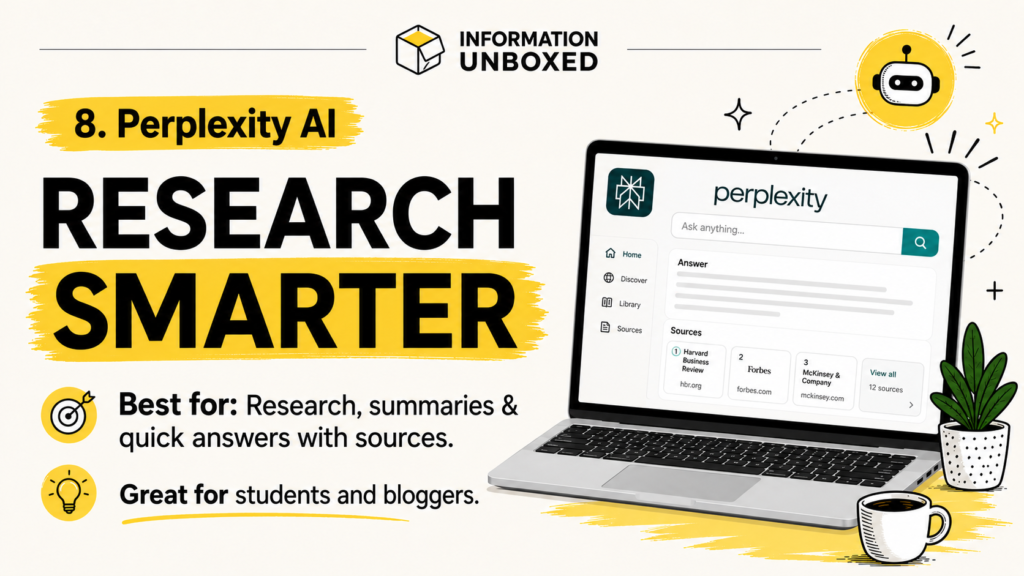
8. Perplexity AI — Best Free AI Tool for Research
Perplexity AI is popular for research because it gives direct answers and usually shows sources. It is useful when you want quick information with references.
Best for:
- Research
- Summaries
- Topic discovery
- Learning
- Content research
How you can use it:
You can ask questions, explore topics, summarize research, or understand current information.
Why it is useful:
Perplexity is helpful when you want AI-powered search instead of browsing many links manually.
9. Notion AI — Best AI Tool for Organizing Work
Notion is a productivity tool used for notes, planning, databases, and project management. Its free plan includes a trial of AI capabilities such as generating docs and autofilling databases.
Best for:
- Notes
- Planning
- Content calendars
- Task management
- Project organization
How you can use it:
You can create a content calendar, organize blog ideas, plan Instagram posts, and use AI to generate drafts or summaries.
Why it is useful:
For bloggers and creators, Notion can become a powerful content planning system.
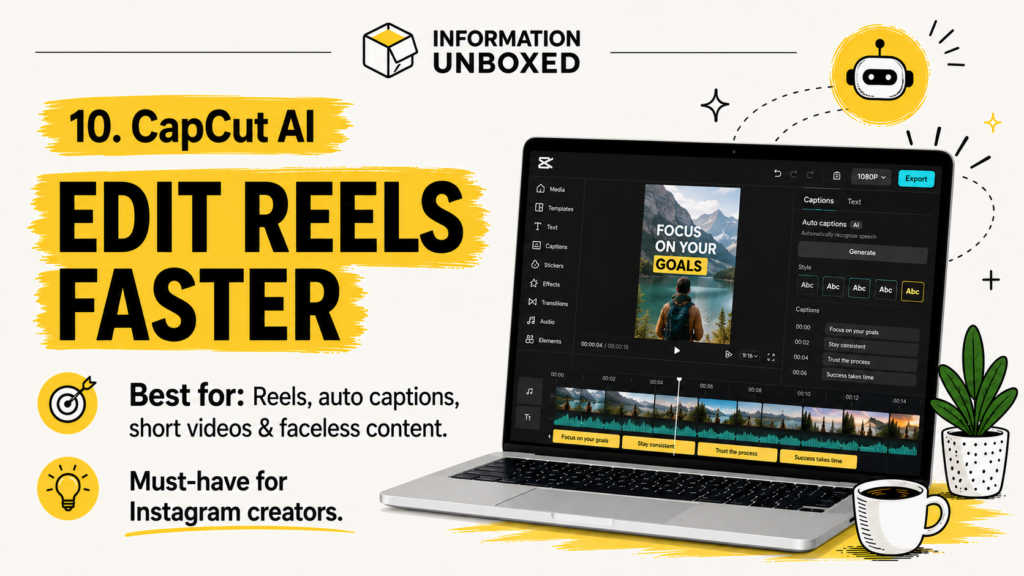
10. CapCut AI — Best Free AI Tool for Reels and Short Videos
CapCut is one of the most useful tools for short-form video editing. It includes AI-powered features like auto captions, templates, background removal, and quick editing tools.
Best for:
- Instagram Reels
- YouTube Shorts
- TikTok-style videos
- Auto captions
- Short video editing
How you can use it:
You can convert your blog topics into reels, add captions, use templates, and create quick faceless videos.
Why it is useful:
If you create Instagram content, CapCut is one of the easiest tools to turn ideas into short videos.
11. ElevenLabs — Best Free AI Tool for Voiceovers
ElevenLabs is popular for AI voice generation. It can help create realistic voiceovers for reels, YouTube videos, explainers, and faceless content.
Best for:
- Voiceovers
- Faceless reels
- YouTube narration
- Explainer videos
How you can use it:
Write a short script, generate a voiceover, and use it in your reel or video.
Why it is useful:
If you don’t want to record your own voice, AI voice tools can make your videos more professional.
12. Gamma — Best Free AI Tool for Presentations
Gamma helps create presentations, documents, and visual pages using AI. It is useful for turning ideas into structured slides quickly.
Best for:
- Presentations
- Pitch decks
- Study notes
- Business explainers
- Visual documents
How you can use it:
You can enter a topic and let Gamma create a presentation outline and slide-style content.
Why it is useful:
It saves time when you need a quick presentation or visual explanation.
13. Leonardo AI — Best Free AI Tool for Creative Images
Leonardo AI is useful for generating creative visuals, product-style graphics, illustrations, and concept images.
Best for:
- AI art
- Blog visuals
- Social media creatives
- Product-style images
- Concept designs
How you can use it:
You can generate images for blog posts, Instagram carousels, thumbnails, and creative campaigns.
Why it is useful:
For creators who want more visual variety, Leonardo AI can help create eye-catching designs.
14. Remove.bg — Best Free AI Tool for Background Removal
Remove.bg is a simple AI tool that removes image backgrounds automatically.
Best for:
- Product photos
- Thumbnails
- Social media graphics
- Blog images
- Profile pictures
How you can use it:
Upload an image, remove the background, and use it in Canva or Adobe Express.
Why it is useful:
It saves time and helps make graphics look cleaner and more professional.
15. QuillBot — Best Free AI Tool for Paraphrasing and Summarizing
QuillBot is helpful for rewriting, paraphrasing, and summarizing text.
Best for:
- Rewriting sentences
- Summarizing content
- Improving clarity
- Academic writing support
- Blog editing
How you can use it:
Paste your text and use it to simplify, rewrite, or summarize content.
Why it is useful:
It is helpful when you want to improve sentence flow or make writing easier to understand.
Quick Comparison: Best Free AI Tools by Use Case
| Use Case | Best Free AI Tool |
|---|---|
| Writing and ideas | ChatGPT |
| Research | Perplexity AI |
| Google users | Google Gemini |
| Work productivity | Microsoft Copilot |
| Social media design | Canva AI |
| Quick creative edits | Adobe Express |
| AI image generation | Adobe Firefly |
| Grammar correction | Grammarly |
| Video editing | CapCut |
| Voiceovers | ElevenLabs |
| Presentations | Gamma |
| Work planning | Notion AI |
| Background removal | Remove.bg |
| Paraphrasing | QuillBot |
| Creative visuals | Leonardo AI |
Best Free AI Tools for Students
Students can use free AI tools for learning, summarizing, note-making, writing, and presentations.
Recommended tools:
- ChatGPT
- Google Gemini
- Grammarly
- Notion AI
- Gamma
- Perplexity AI
- QuillBot
These tools can help students understand difficult topics, organize notes, improve writing, and prepare presentations faster.
Best Free AI Tools for Content Creators
If you create Instagram posts, YouTube Shorts, blogs, or reels, these tools can help you create content faster.
Recommended tools:
- Canva AI
- CapCut
- ChatGPT
- Adobe Express
- Adobe Firefly
- ElevenLabs
- Leonardo AI
These tools are especially useful for faceless content creators who want to create videos, thumbnails, captions, blog images, and social media posts.
Best Free AI Tools for Bloggers
Bloggers can use AI tools for keyword ideas, outlines, writing, editing, images, and social media promotion.
Recommended tools:
- ChatGPT
- Grammarly
- Canva AI
- Perplexity AI
- Adobe Firefly
- Notion AI
- QuillBot
A smart workflow is:
Research → Outline → Draft → Edit → Design → Publish → Repurpose for Instagram
Are Free AI Tools Enough?
For beginners, free AI tools are usually enough. You can write content, design graphics, create short videos, generate images, and improve productivity without immediately paying for premium plans.
However, free plans often come with limits such as:
- Limited daily usage
- Watermarks
- Fewer exports
- Lower generation limits
- Reduced access to advanced models
- Limited commercial features
So, start free. Once a tool becomes important for your work, then consider upgrading.
Tips to Use AI Tools Safely
AI tools are powerful, but you should use them carefully.
Follow these tips:
- Don’t share private passwords or sensitive personal data
- Always fact-check important information
- Don’t copy AI content blindly
- Edit AI-generated text in your own style
- Check copyright rules before using AI-generated images commercially
- Use AI as an assistant, not as a full replacement for your judgment
Frequently Asked Questions
Which is the best free AI tool?
ChatGPT is one of the best free AI tools for overall use because it can help with writing, ideas, learning, planning, and productivity. For design, Canva AI is one of the best options. For research, Perplexity AI is useful.
Are free AI tools really free?
Yes, many AI tools offer free plans, but they usually come with usage limits. Some tools may limit the number of prompts, image generations, exports, or advanced features.
Which AI tool is best for Instagram content?
Canva AI, CapCut, ChatGPT, and Adobe Express are very useful for Instagram content creation. You can use ChatGPT for ideas and captions, Canva for carousels, and CapCut for reels.
Which AI tool is best for students?
ChatGPT, Google Gemini, Perplexity AI, Grammarly, Notion AI, and Gamma are useful for students because they help with learning, writing, research, notes, and presentations.
Can AI tools help bloggers?
Yes. Bloggers can use AI tools to find ideas, create outlines, write drafts, edit content, design featured images, and repurpose blogs into social media posts.
Final Thoughts
The best free AI tools can help you save time, create better content, and improve your productivity without spending money in the beginning.
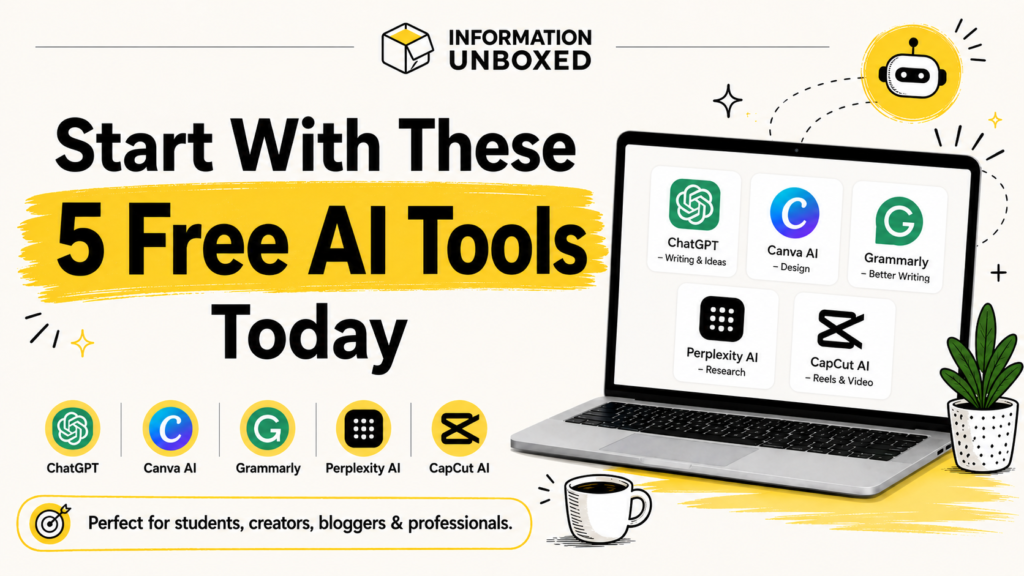
If you are just getting started, begin with ChatGPT, Canva AI, Grammarly, Perplexity AI, and CapCut. These five tools are enough for most everyday users, students, creators, and bloggers.
As your work grows, you can explore more advanced tools like Adobe Firefly, ElevenLabs, Notion AI, Gamma, and Leonardo AI.
AI is not just for tech experts anymore. With the right tools, anyone can work smarter, create faster, and learn better.



Leave a Reply
Want to join the discussion?Feel free to contribute!