
Phone Heating Up? 10 Powerful Causes & Fixes That Actually Work
Phone heating up during charging, gaming, video calls, or normal use can be frustrating and sometimes worrying. A slightly warm phone is usually normal, especially when you are using heavy apps or charging the device. But if your phone becomes too hot frequently, slows down, drains battery fast, or shows a temperature warning, it should not be ignored.
Smartphones heat up when the processor, battery, screen, network, or apps are working harder than usual. The good news is that most phone heating problems can be fixed with simple changes.
In this guide, we’ll explain why your phone is heating up, the most common causes, and 10 practical fixes to cool down your Android or iPhone.
Why Is My Phone Heating Up?
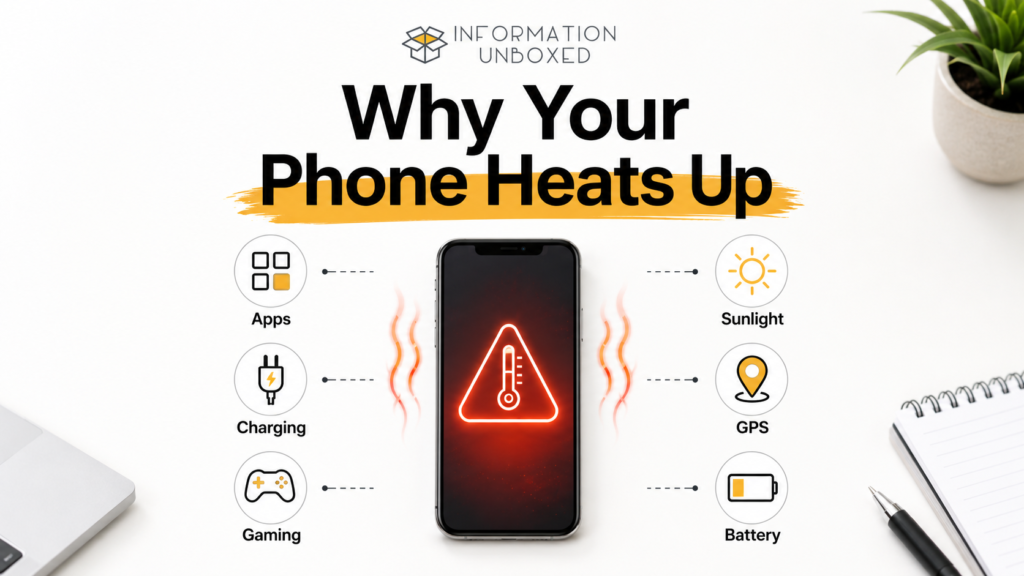
Your phone may heat up because of heavy usage, poor network signal, high brightness, background apps, charging habits, gaming, software bugs, or hot weather.
Common reasons include:
- Too many apps running in the background
- Long video calls or gaming sessions
- Charging while using the phone
- Direct sunlight or hot surroundings
- Faulty charger or cable
- Poor network signal
- Software bugs
- Battery health issues
- Malware or suspicious apps
- Heavy camera or GPS usage
A phone heating up occasionally is normal. But if it happens every day or even during light use, you should check the cause.
Is It Normal for a Phone to Get Warm?
Yes, it is normal for a phone to feel slightly warm during:
- Charging
- Gaming
- Video calls
- Recording videos
- Using GPS navigation
- Downloading large files
- Installing updates
- Using mobile hotspot
However, your phone should not become extremely hot to touch. If it does, stop using it for a while and let it cool down.
Apple explains that iPhones and iPads can become warm during certain activities, but if the device gets too hot, it may show a temperature warning and pause some functions until it cools down. You can read Apple’s official guide here: If your iPhone or iPad gets too hot or too cold
1. Close Background Apps
One of the most common reasons for a phone heating up is too many apps running in the background.
Apps like Instagram, YouTube, Google Maps, games, shopping apps, and social media apps may continue using battery, internet, and processing power even when you are not actively using them.
How to fix it:
Close unnecessary apps from the recent apps menu.
On Android:
Open Recent Apps → Swipe away apps you don’t need
On iPhone:
Swipe up from the bottom → Pause → Swipe up apps you want to close
This reduces processor load and helps your phone cool down.
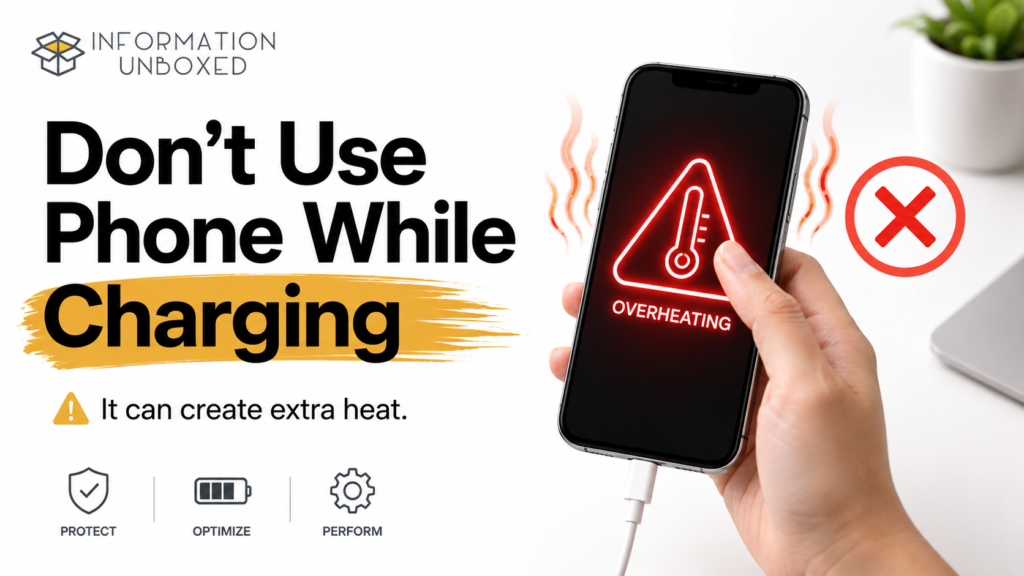
2. Avoid Using Your Phone While Charging
Using your phone while charging can produce extra heat because the battery is charging while the screen, processor, and apps are also active.
This is especially common when people:
- Watch videos while charging
- Play games while charging
- Use video calls while charging
- Keep mobile data and hotspot ON while charging
Fix:
Let your phone charge without heavy usage.
If your phone is heating up while charging, remove the case, keep it on a flat surface, and avoid using heavy apps.
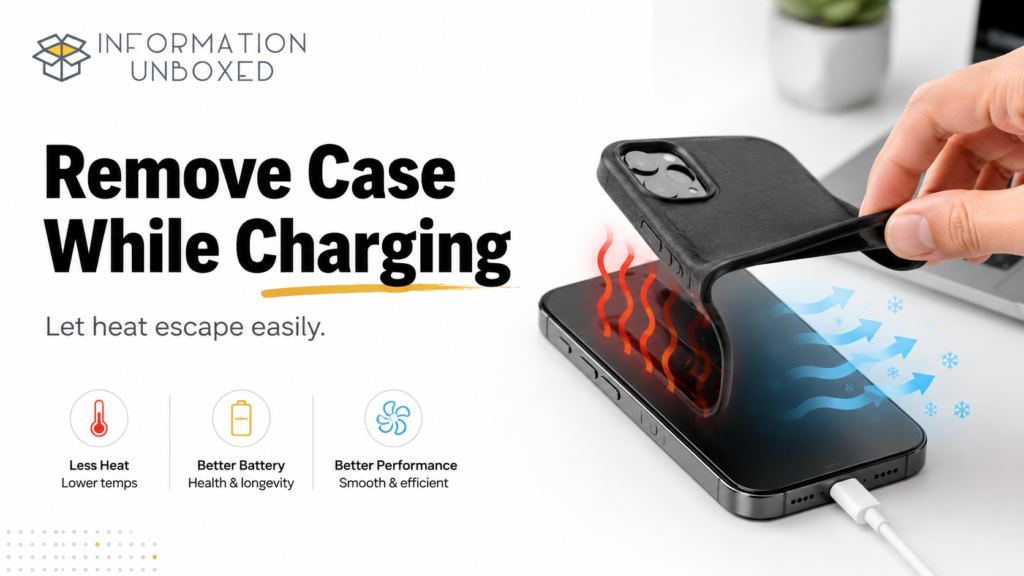
3. Remove the Phone Case While Charging
Some phone covers trap heat, especially thick rubber, leather, or heavy protective cases.
When your phone charges, it naturally produces some heat. A thick case can prevent heat from escaping.
Fix:
Remove the case while charging, especially if your phone feels warm.
This simple step can help reduce heat and improve charging comfort.
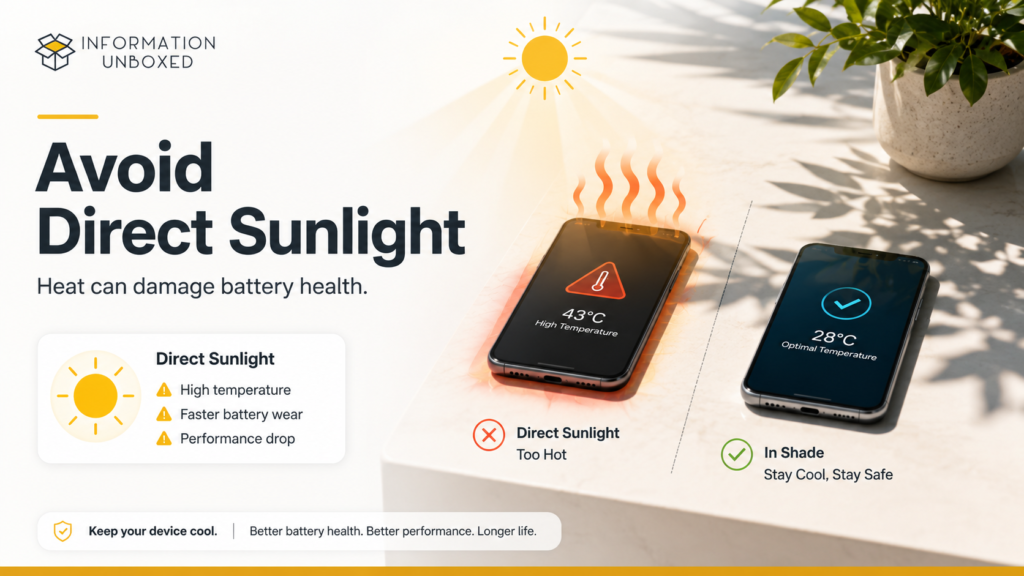
4. Keep Your Phone Away From Direct Sunlight
Hot weather and direct sunlight can quickly increase phone temperature.
Leaving your phone:
- Inside a parked car
- Near a window
- On a balcony
- Under direct sunlight
- Near kitchen heat
can make it heat up quickly.
Fix:
Keep your phone in a cool, shaded place.
Avoid using your phone for gaming, videos, or navigation for long periods in direct sunlight.
5. Reduce Screen Brightness
High screen brightness makes your display work harder and uses more battery. This can contribute to both battery drain and heating.
If you keep brightness at 100% for long periods, your phone may heat up faster.
Fix:
Lower brightness manually or turn ON adaptive brightness.
On Android:
Settings → Display → Adaptive Brightness
On iPhone:
Settings → Display & Brightness
Small brightness changes can reduce heat and improve battery life.
You can also read our guide on Phone Battery Draining Fast? 10 Proven Fixes That Actually Work for more battery-saving tips.
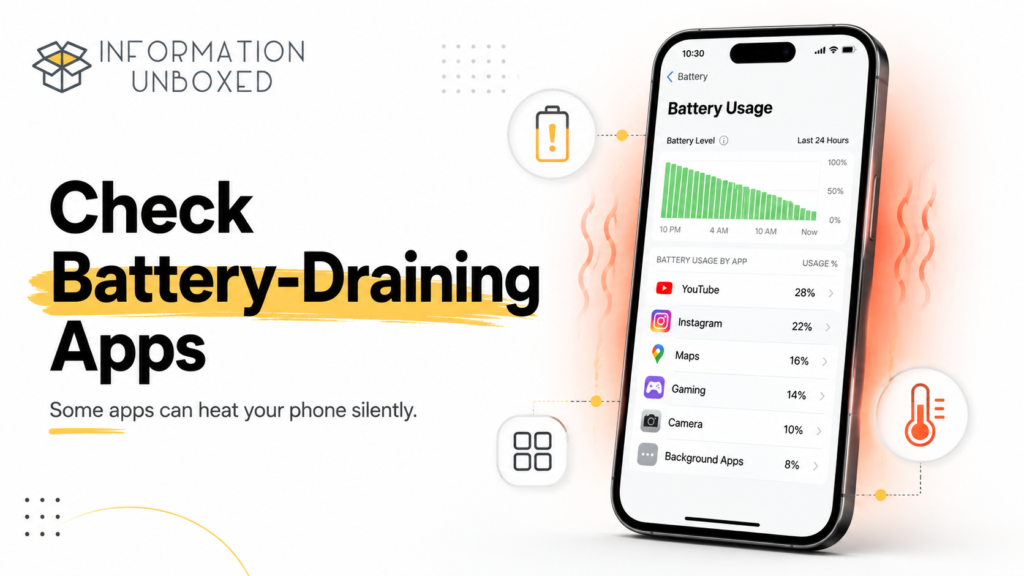
6. Check Battery-Draining Apps
Apps that drain battery can also make your phone heat up. If an app is constantly running in the background, using GPS, or refreshing data, it may increase heat.
How to check battery usage:
On Android:
Settings → Battery → Battery Usage
On iPhone:
Settings → Battery
Look for apps using too much battery. If you don’t use them often, uninstall them or restrict background activity.
Fix:
- Uninstall unused apps
- Restrict background activity
- Turn off unnecessary notifications
- Update problematic apps
This is one of the most effective ways to reduce phone heating.
7. Turn Off Unused Features
Features like GPS, Bluetooth, hotspot, Wi-Fi scanning, and mobile data can increase heat when left ON unnecessarily.
This is especially true when multiple features are active together.
Turn off when not needed:
- Bluetooth
- GPS/location
- Mobile hotspot
- NFC
- Wi-Fi scanning
- Background sync
Fix:
Use only the features you actually need.
If you use WhatsApp daily, also check our guide on 12 Essential WhatsApp Privacy Settings You Should Change Today to improve your privacy and security.
8. Update Your Phone Software
Sometimes phone heating happens because of software bugs. Updates often include performance improvements, security patches, and bug fixes.
If your phone started heating after a recent update, wait for the next patch update. But if your software is outdated, updating may help.
On Android:
Settings → Software Update
On iPhone:
Settings → General → Software Update
Fix:
Keep your device updated, but avoid installing unknown or unofficial software.
9. Avoid Heavy Gaming for Long Periods
Games use your phone’s processor, graphics chip, screen, speakers, internet, and battery at the same time. This naturally creates heat.
High-performance games can heat up phones quickly, especially during long sessions.
Fix:
- Take breaks between gaming sessions
- Lower graphics settings
- Avoid gaming while charging
- Close other apps before gaming
- Play in a cool room
If your phone becomes too hot, stop gaming and let it cool down.
10. Use the Original Charger and Cable
A cheap, damaged, or incompatible charger can cause heating issues. Poor-quality chargers may not regulate power properly, which can affect both charging speed and temperature.
Fix:
Use the original charger or a certified charger from a trusted brand.
Avoid:
- Damaged cables
- Duplicate chargers
- Cheap adapters
- Loose charging ports
If your phone heats only while charging, the charger or cable may be the problem.
11. Check for Malware or Suspicious Apps
If your phone is heating up even when you are not using it, a suspicious app may be running in the background.
Warning signs include:
- Battery draining very fast
- Phone heating during idle time
- Unknown apps installed
- Pop-up ads
- Slow performance
- Data usage increasing suddenly
Fix:
- Delete unknown apps
- Avoid APK files from untrusted websites
- Use Google Play Store or Apple App Store only
- Run a security scan if your Android phone supports it
For more smart tech guides, explore our Tips & Tricks section.
12. Restart Your Phone
Sometimes a simple restart can fix temporary heating issues.
Restarting clears temporary background processes and refreshes the system.
Fix:
Restart your phone once every few days, especially if it feels slow or warm.
This is a quick and easy step that many users ignore.
What to Do Immediately If Your Phone Gets Too Hot
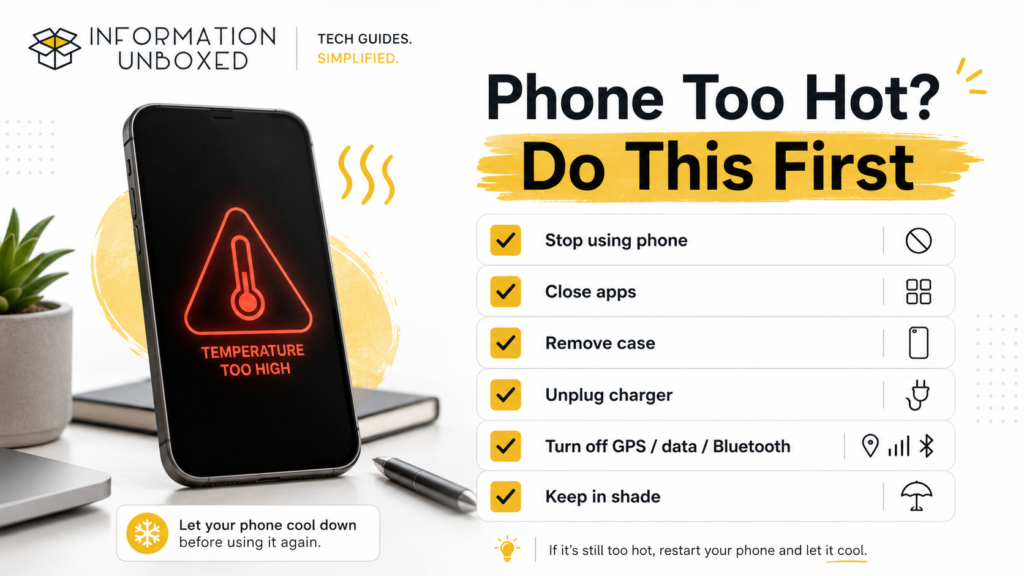
If your phone becomes extremely hot, follow these steps:
- Stop using the phone
- Close all apps
- Remove the case
- Unplug the charger
- Turn off mobile data, GPS, and Bluetooth
- Keep it in a cool place
- Do not put it in the fridge or freezer
- Wait until it cools naturally
Never place your phone in a refrigerator. Sudden temperature changes can cause moisture damage.
Google also recommends disconnecting the phone from power, moving it to a cooler place, and not using it until it cools down if the device becomes too hot. You can check Google’s official Pixel help page here: Help keep your Pixel phone from feeling too warm or hot
Phone Heating Up While Charging: What It Means
If your phone heats only while charging, the cause may be:
- Fast charging
- Using the phone while charging
- Thick phone case
- Faulty charger
- Damaged cable
- Hot room temperature
- Battery aging
Best fix:
Charge your phone on a flat surface, remove the case, and avoid heavy usage while charging.
If heating continues even with the original charger, consider getting the device checked.
Phone Heating Up and Battery Draining Fast
Heating and battery drain are closely connected.
When your phone gets hot, the battery may drain faster. Similarly, battery-draining apps can make the phone heat up.
Common causes include:
- Background apps
- High brightness
- GPS usage
- Poor network signal
- Old battery
- Heavy apps
- Software bugs
If both problems happen together, start by checking battery usage and app activity.
Read our detailed guide on Phone Battery Draining Fast? 10 Proven Fixes That Actually Work for more solutions.
When Should You Worry About Phone Heating?
You should take phone heating seriously if:
- Your phone becomes too hot to touch
- It heats up even when idle
- Battery drains very quickly
- The phone shuts down automatically
- You see a temperature warning
- Charging becomes unusually slow
- The back panel feels swollen
- The phone heats up after installing a new app
If you notice swelling, burning smell, or extreme heat, stop using the phone and visit an authorized service center.
Frequently Asked Questions
Why is my phone heating up so fast?
Your phone may heat up fast because of background apps, high brightness, gaming, video calls, charging while using the phone, poor network signal, or software bugs.
Is phone heating dangerous?
Mild heating is usually normal. But extreme heating, battery swelling, or temperature warnings should not be ignored.
Why does my phone heat up while charging?
Your phone may heat up while charging because of fast charging, using the phone during charging, a thick case, a faulty charger, or battery issues.
Can overheating damage my phone battery?
Yes. Frequent overheating can reduce battery performance over time and may affect long-term battery health.
How can I cool down my phone quickly?
Stop using the phone, close apps, remove the case, unplug the charger, turn off unused features, and keep it in a cool shaded place.
Should I put my phone in the fridge to cool it?
No. Do not put your phone in the fridge or freezer. Sudden temperature changes can cause moisture damage.
Why does my phone heat up during video calls?
Video calls use the camera, microphone, screen, internet, and processor at the same time. This can naturally make your phone warm.
Final Thoughts
A phone heating up occasionally is normal, especially during charging, gaming, video calls, or heavy usage. But if your phone gets hot frequently, drains battery fast, or slows down, it is time to check the cause.
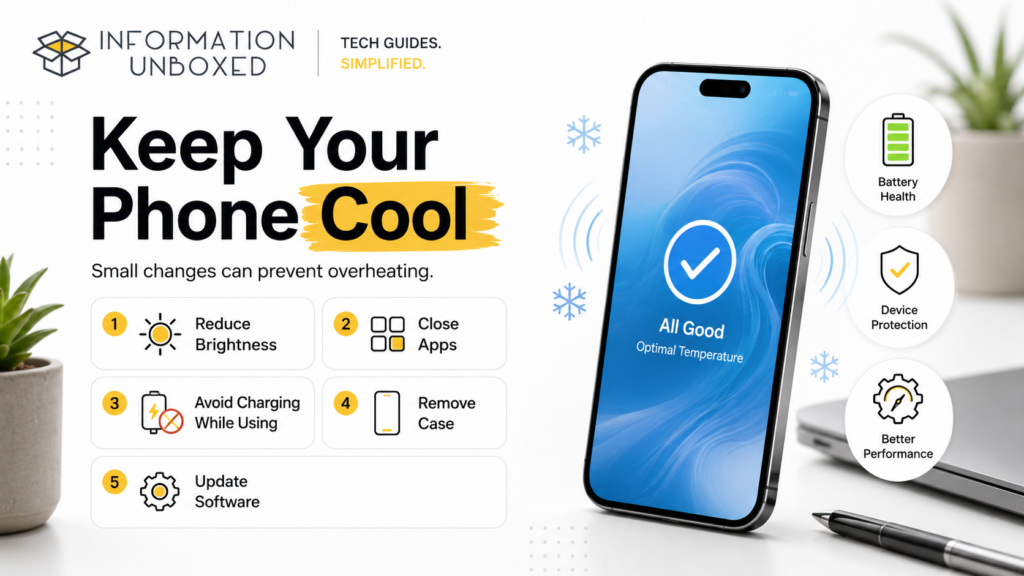
Start with simple fixes: close background apps, reduce brightness, avoid using your phone while charging, remove the case, update software, and check battery-draining apps.
Small changes can help your phone stay cooler, perform better, and last longer.




Leave a Reply
Want to join the discussion?Feel free to contribute!