
Home Office Tech Essentials
Home Office Tech Essentials are important for anyone who wants a productive, comfortable, and professional work-from-home setup. The right Home Office Tech Essentials can improve focus, reduce distractions, support better posture, and make remote work smoother every day. This guide on Home Office Tech Essentials explains why a reliable laptop, ergonomic chair, office desk, external monitor, fast internet, noise-canceling headphones, keyboard, mouse, webcam, microphone, lighting setup, power backup, and productivity software are useful for modern remote workers.
When choosing Home Office Tech Essentials, focus on comfort, performance, connectivity, durability, and long-term value. Good Home Office Tech Essentials should help you attend video meetings clearly, manage tasks efficiently, reduce eye strain, protect devices from power issues, and create a clean workspace. If you work from home daily, investing in Home Office Tech Essentials can improve productivity, work-life balance, and overall well-being.
For a helpful external reference, readers can check OSHA’s official computer workstation guide here: https://www.osha.gov/etools/computer-workstations. You can also read our related internal article on Best Keyboard and Mouse Combo here: https://www.informationunboxed.com/top-10-best-keyboard-and-mouse-combo-in-india-2026/ to complete your setup with useful Home Office Tech Essentials.
With remote work becoming a permanent fixture in many industries, having a well-equipped home office is essential for productivity and well-being. The right tools can reduce distractions, improve efficiency, and create a more comfortable working environment.
Here’s a comprehensive guide on essential home office tech that can maximize productivity and create a workspace that’s functional, comfortable, and future-proof.
Reliable Computer or Laptop
Your computer is the heart of your home office. Here’s what to consider:
- Processor and RAM: For smooth multitasking, look for at least an Intel i5 or AMD equivalent processor with 8GB or 16GB of RAM.
- Storage: Opt for SSDs (Solid State Drives) over HDDs for faster performance and quicker boot times.
- Portability: If you’re on the move or prefer to work from multiple locations, a lightweight, high-performance laptop is ideal.
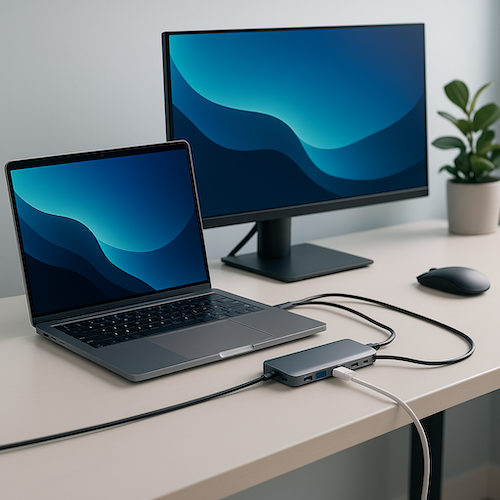
Pro Tip: Ensure your device has enough ports (USB-C, HDMI, etc.) to connect to essential peripherals like external monitors, keyboards, and storage.
Ergonomic Office Chair and Desk
Spending long hours at your desk requires a comfortable, ergonomic setup to reduce strain and prevent long-term health issues.
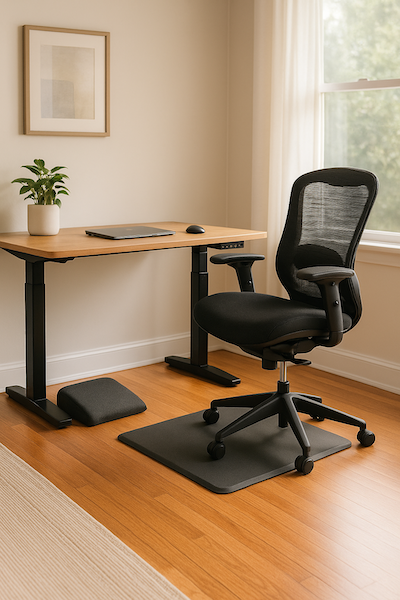
- Chair: Look for adjustable chairs with lumbar support, breathable fabric, and adjustable armrests.
- Desk: Consider a height-adjustable sit-stand desk to switch between sitting and standing throughout the day, reducing back pain and improving posture.
Pro Tip: Ergonomic desk mats and footrests can further enhance comfort.
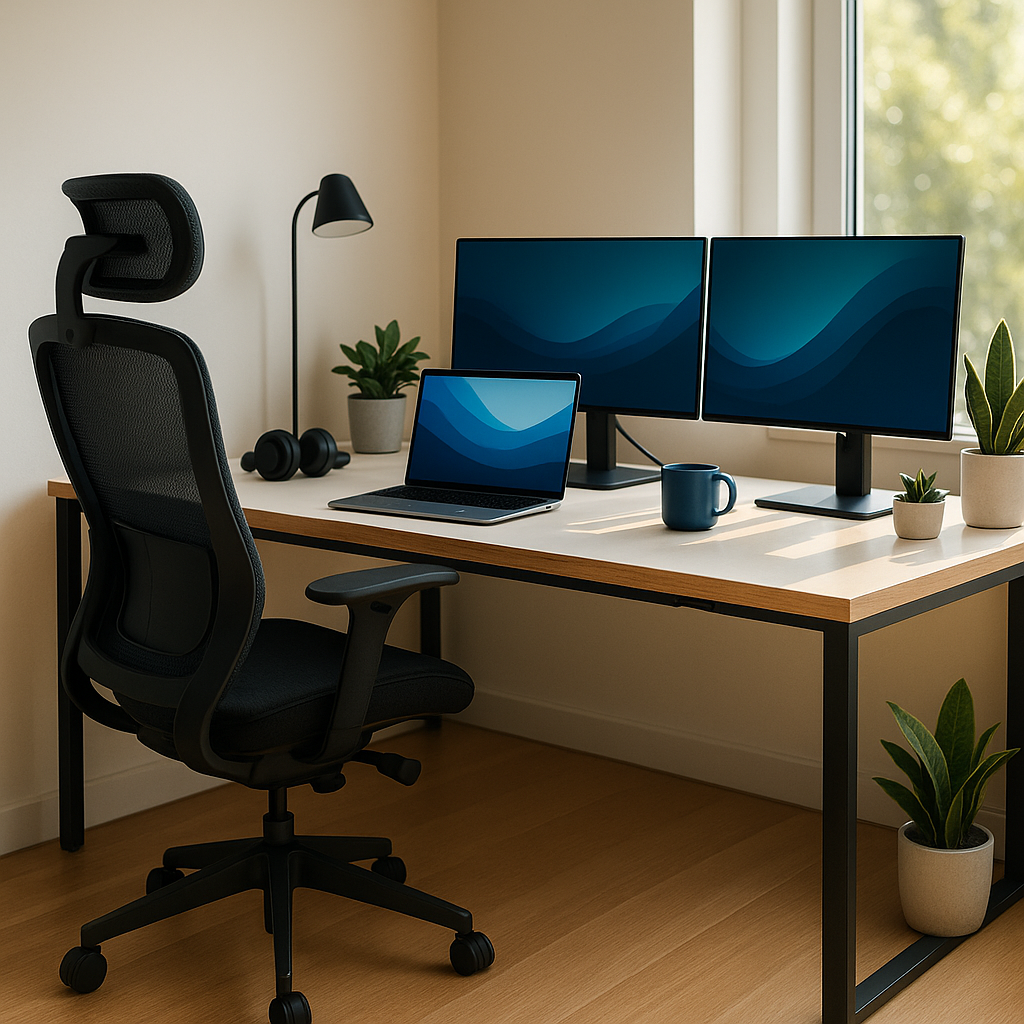
High-Quality Monitor(s)
Using a monitor (or multiple monitors) instead of your laptop’s small screen can boost productivity and reduce eye strain.
- Screen Size: For most users, 24 to 32 inches is ideal.
- Resolution: Go for Full HD (1080p) or higher, with 4K displays offering enhanced clarity for creative professionals.
- Multi-Monitor Setup: Dual monitors increase screen real estate, making it easier to manage multiple tasks and reference documents.
Pro Tip: Look for monitors with blue light filters or “eye comfort” modes to reduce eye strain during extended work sessions.
Fast and Stable Internet Connection
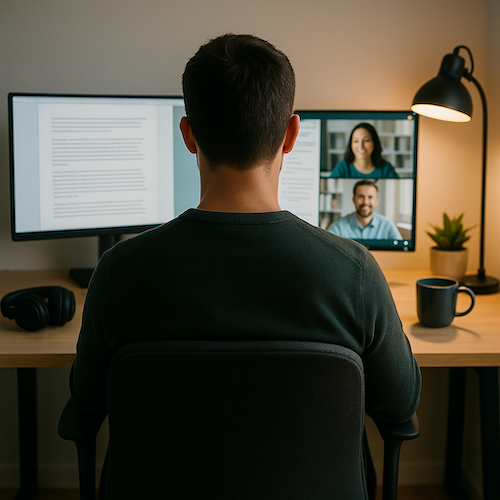
A slow or unreliable internet connection can cause frustration during virtual meetings and slow down productivity.
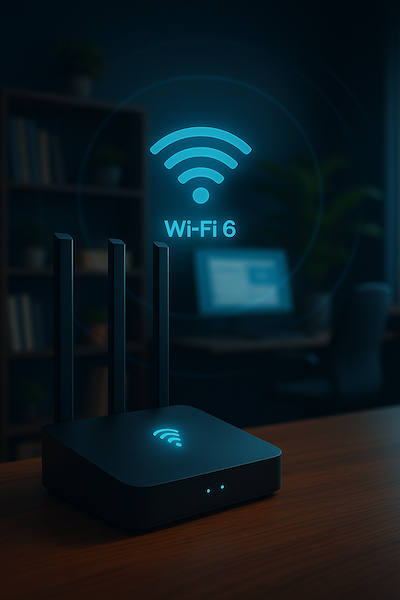
- Router: Invest in a modern Wi-Fi 6 router for better speed, coverage, and capacity.
- Ethernet Connection: If possible, use a wired Ethernet connection for faster and more stable internet access.
- Bandwidth: Ensure your internet plan provides sufficient upload/download speeds, especially if you’re on video calls frequently.
Pro Tip: Use Wi-Fi extenders or mesh Wi-Fi systems if you’re working far from the main router.
Noise-Canceling Headphones
Block out distractions and focus on your work with noise-canceling headphones. These are particularly useful if you share your home with family or roommates.
- Active Noise Cancellation (ANC): Look for headphones with ANC to block ambient noise.
- Microphone Quality: Choose headphones with a clear built-in microphone for video calls and voice chats.
Top Picks: Bose QuietComfort, Sony WH-1000XM series, and Apple AirPods Pro.

External Keyboard and Mouse
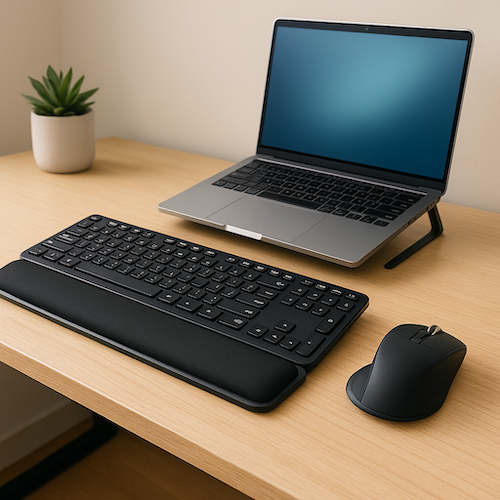
Typing and navigating on a laptop for extended periods can strain your wrists. An external keyboard and mouse offer more comfort and flexibility.
- Keyboard: Look for mechanical keyboards or ergonomic keyboards with wrist support.
- Mouse: Consider ergonomic mice or trackballs that reduce wrist strain.
Pro Tip: Wireless options reduce cable clutter and keep your desk tidy.
Webcam and Microphone
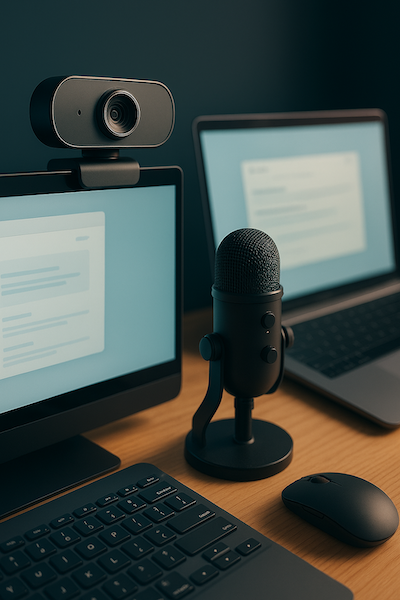
For virtual meetings, a high-quality webcam and microphone are essential.
- Webcam: Look for 1080p or higher resolution for crisp, clear video.
- Microphone: A dedicated external microphone offers superior audio quality, ensuring clear communication.
Pro Tip: If your laptop’s built-in camera is subpar, invest in an external webcam like the Logitech C920 or similar.
Good Lighting Setup
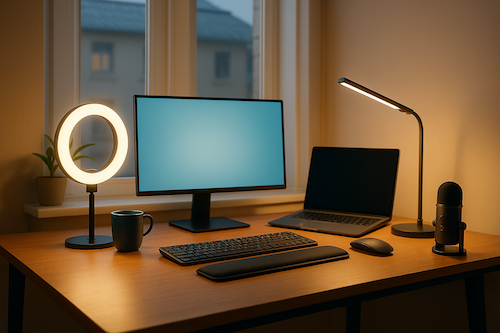
Proper lighting enhances video call quality and reduces eye strain.
- Ring Lights: Ideal for video calls, providing even, flattering lighting.
- Desk Lamps: Adjustable LED desk lamps with brightness control provide focused lighting.
- Natural Light: Position your desk near a window to leverage natural light, but avoid direct glare on your screen.
Pro Tip: Consider smart lighting with adjustable color temperatures to match the time of day.
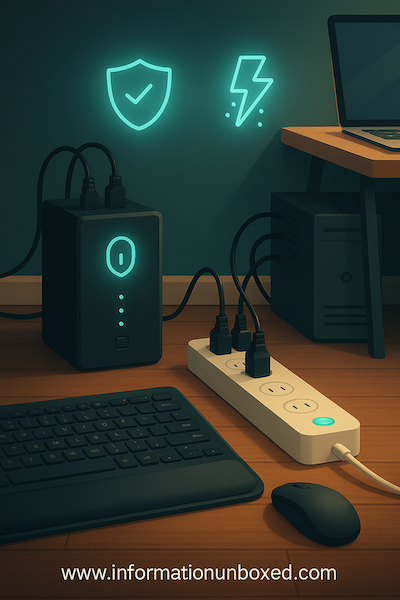
Power Backup and Surge Protection
Unplanned power outages can disrupt work. Stay prepared with:
- UPS (Uninterruptible Power Supply): Keeps your devices powered during short outages, allowing you to save work.
- Surge Protectors: Protect devices from sudden power surges that could damage electronics.
Pro Tip: Look for surge protectors with USB ports for charging phones and small devices.
Productivity Software and Tools
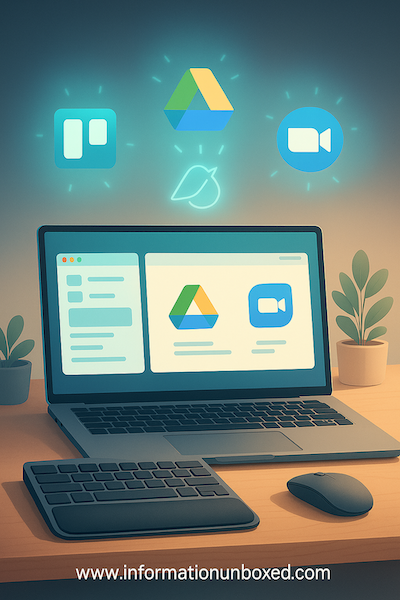
Beyond hardware, the right software tools keep you organized and efficient.
- Task Management: Use apps like Trello, Asana, or Microsoft To-Do to track tasks.
- Video Conferencing: Zoom, Microsoft Teams, and Google Meet are essential for remote meetings.
- File Sharing: Cloud storage like Google Drive, Dropbox, or OneDrive allows seamless file sharing and backups.
Pro Tip: Use productivity extensions like browser ad blockers to minimize distractions.
Conclusion
A productive home office isn’t just about having a desk and chair. With the right tech essentials—like ergonomic furniture, fast internet, and quality peripherals—you can create a space that promotes efficiency, comfort, and well-being. By investing in these tools, you’ll be better equipped to handle remote work challenges while maintaining a healthy work-life balance.




Leave a Reply
Want to join the discussion?Feel free to contribute!