
How to Create a Safe Online Space for Kids | Parental Control Tips
Safe Online Space for Kids is essential for parents who want children to enjoy learning, entertainment, games, videos, and apps without facing unsafe content, online predators, cyberbullying, privacy risks, or excessive screen time. A strong Safe Online Space for Kids should include parental controls, kid-friendly browsers, content filters, screen-time limits, child profiles, safe search settings, and open conversations about online behaviour. This guide on Safe Online Space for Kids helps parents create a secure digital environment using tools like Google Family Link, device settings, app restrictions, and regular monitoring.
When building a Safe Online Space for Kids, parents should set clear rules, block inappropriate websites, review app permissions, limit downloads, monitor gaming activity, and teach children not to share personal details online. The best Safe Online Space for Kids is not only about control tools; it also includes trust, digital literacy, healthy routines, and offline activities. If you want a safer and balanced Safe Online Space for Kids, update settings regularly and talk to your child about what they watch, play, and share online.
For a helpful external reference, readers can check Google’s official Family Link guide here: https://families.google/familylink/. You can also read our related internal article on How to Build a Kid-Safe Digital Space at Home here: https://www.informationunboxed.com/how-to-build-a-kid-safe-digital-space-at-home/ to learn more about creating a Safe Online Space for Kids.
Safe Online Space for Kids is no longer optional in today’s digital age. Children are introduced to technology at an early age, and while screens can provide educational content and entertainment, they also expose kids to risks such as inappropriate content, online predators, and excessive screen time. Building a safe digital space is essential for parents to ensure a secure, balanced, and age-appropriate online experience for their children.
Here’s a comprehensive guide on how parents can create a safe digital environment for their kids using parental control tools, mindful practices, and proactive monitoring.
Understand the Risks of an Open Digital World
Before you can protect your child, it’s essential to understand the online risks they might face:
- Inappropriate Content: Children can accidentally access violent, sexual, or harmful content.
- Online Predators: Unsuspecting children may be contacted by strangers posing as friends.
- Cyberbullying: Interactions on social media and messaging platforms can expose kids to bullying.
- Data Privacy: Children may unknowingly share personal information online, leading to privacy breaches.
- Screen Addiction: Excessive use of digital devices can impact mental health and disrupt healthy routines.
Set Up Parental Control Tools
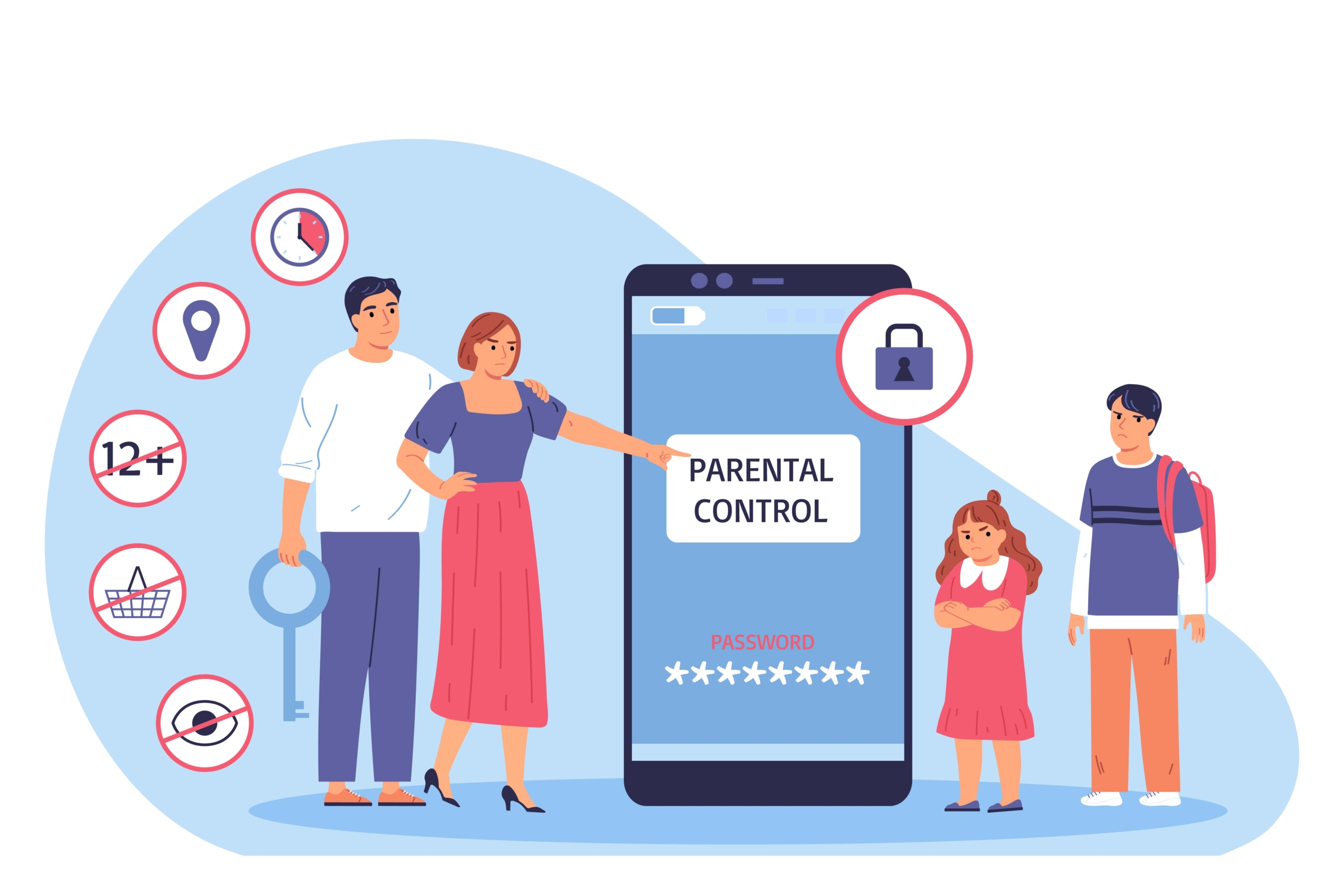
Parental control software and features allow you to filter content, set screen time limits, and monitor online activity. Here’s how to use them effectively:
- Use Device-Specific Controls: Most smartphones, tablets, and smart TVs have built-in parental controls.
- For iOS, use “Screen Time” to set app limits, downtime, and content restrictions.
- For Android, use “Google Family Link” to manage app usage, set screen time, and approve downloads.
- Install Parental Control Apps: Apps like Qustodio, Net Nanny, and Norton Family provide advanced features like real-time location tracking, app blocking, and internet usage reports.
- Enable Kid-Friendly Browsers: Install kid-safe browsers like Kiddle or YouTube Kids to ensure children are exposed only to age-appropriate content.
- Set Content Filters: Use content filters on your home Wi-Fi router to block inappropriate websites before they reach any connected device.
Create Age-Appropriate User Profiles
Many streaming services, gaming consoles, and apps offer the option to create child profiles. Here’s how to do it:
- Streaming Services: Platforms like Netflix, Disney+, and YouTube allow parents to create “Kids” profiles that limit access to child-friendly shows and movies.
- Gaming Consoles: Consoles like Xbox and PlayStation have family account settings that restrict certain games, purchases, and in-game chats.
- Online Learning Platforms: Platforms like Khan Academy Kids have built-in child-friendly content and do not expose kids to third-party ads or promotions.
Set Screen Time Limits
Excessive screen time can impact a child’s physical and mental well-being. Here’s how to set and enforce limits:
- Use Built-In Screen Time Tools: Apple’s Screen Time and Google’s Digital Wellbeing tools let you set app usage limits and lock devices during bedtime.
- Create a Digital Schedule: Set “tech-free” times, like during meals and before bedtime, to reduce screen exposure.
- Encourage Offline Activities: Promote hobbies like reading, art, or outdoor play to balance screen time with real-world experiences.
Encourage Open Communication and Digital Literacy
Parental controls are essential, but they’re not foolproof. Teaching your child to be a responsible digital citizen is equally important:
- Discuss Online Safety: Explain the dangers of sharing personal information online and how to recognize suspicious activity.
- Teach Responsible Use: Help children understand the importance of respectful communication online to avoid cyberbullying.
- Encourage Openness: Let kids know they can talk to you if they encounter anything uncomfortable online.
Monitor and Adjust Regularly
A kid-safe digital space is not “set it and forget it.” Technology evolves rapidly, and so do children’s online habits. Here’s how to stay updated:
- Review Parental Controls: Regularly check and update content filters, app restrictions, and screen time settings.
- Stay Informed: Follow online safety resources like Common Sense Media for reviews of apps, games, and TV shows.
- Be Present: Occasionally sit with your child as they use apps, watch shows, or play games. It’s a great way to understand their habits and identify any potential risks.
Conclusion
Creating a kid-safe digital space is a continuous process that requires a blend of technology, education, and parental involvement. By using parental control tools, setting age-appropriate restrictions, encouraging open communication, and promoting offline activities, you can help your child navigate the digital world safely and responsibly. As children grow, their online needs and habits will evolve, so it’s essential to stay flexible and adaptable. With a proactive approach, you can ensure that your child enjoys the benefits of technology without falling prey to its risks.
Frequently Asked Questions About Safe Online Space for Kids
1. What is a Safe Online Space for Kids?
A Safe Online Space for Kids is a secure digital environment where children can use apps, websites, videos, games, and learning platforms with proper parental controls, content filters, screen-time limits, and privacy protection.
2. Why is creating a Safe Online Space for Kids important?
Creating a Safe Online Space for Kids is important because children can be exposed to inappropriate content, online predators, cyberbullying, scams, and privacy risks while using the internet.
3. What are the best parental control tools for kids?
Some useful parental control tools include Google Family Link, Apple Screen Time, Qustodio, Net Nanny, Norton Family, and built-in controls on smart TVs, phones, tablets, and gaming consoles.
4. How can parents limit screen time for kids?
Parents can limit screen time by setting app timers, creating device-free zones, using bedtime restrictions, planning offline activities, and setting clear rules for weekdays and weekends.
5. How do content filters help children online?
Content filters help block inappropriate websites, adult content, harmful videos, unsafe search results, and unsuitable apps before children can access them.
6. Should parents monitor their child’s online activity?
Yes, parents should monitor online activity, but it should be done with open communication. A good Safe Online Space for Kids balances supervision, trust, and education.
7. How can parents teach kids about online safety?
Parents can teach kids about online safety by explaining privacy, strong passwords, stranger danger, cyberbullying, suspicious links, and the importance of asking for help when something feels wrong.
8. Are kid-friendly browsers useful?
Yes, kid-friendly browsers and platforms like Kiddle, YouTube Kids, and child profiles on streaming services can help create a safer and more age-appropriate browsing experience.
9. How often should parental control settings be reviewed?
Parents should review parental control settings regularly because children’s habits, apps, games, and online risks change over time.
10. What is the best way to maintain a Safe Online Space for Kids?
The best way to maintain a Safe Online Space for Kids is to combine parental control tools, clear family rules, regular monitoring, open conversations, privacy education, and healthy offline routines.




Leave a Reply
Want to join the discussion?Feel free to contribute!